Show me the workbook you live in, or the website that’s letting you down. Walk me through the workaround that breaks every Friday. You’ll leave knowing whether a custom build makes sense for your business.
A one person framing studio runs its whole business on one app: the public website that brings orders in, and the back office that designs, bills and ships them.
Client
Framed By Design, Toronto
Industry
Custom framing and sports memorabilia
Shipped
2026
Search...⌘K
View site
Good afternoon, Andrew·12:00 PM
Wednesday, January 14
New client
New order
The week aheadnext 7 days
Mon12
·
Tue13
·
Wed14
Thu15
·
Fri16
·
Sat17
·
·
Sun18
·
Today's queue3 need you
OVERDUE·FBD-0182·M. Patel
Maple Leafs jersey, double mattedDeadline was yesterday.
In productionDue May 6
$1,240
AWAITING CLIENT·FBD-0186·T. Reyes
Signed Raptors hardwood, shadow boxSent 2 days ago.
Awaiting approvalDue May 14
$2,180
READY FOR DELIVERY·FBD-0179·K. Bauer
Olympic torch certificateReady to ship.
Ready for deliveryDue May 5
$640
Money
January received
$8,420
Outstanding
$2,180
January invoiced
$10,600
Last 8 weeks · received$3,600
FRAMEDBYDESIGN
Good afternoon, Andrew
Wednesday, January 14
New client
New order
The week aheadnext 7 days
Mon12
·
Tue13
·
Wed14
Thu15
·
Fri16
·
Sat17
·
·
Sun18
·
Today's queue3 need you
OVERDUE·FBD-0182
Maple Leafs jersey
In productionM. Patel
$1,240
AWAITING CLIENT·FBD-0186
Raptors hardwood
Awaiting approvalT. Reyes
$2,180
READY FOR DELIVERY·FBD-0179
Olympic torch certificate
Ready for deliveryK. Bauer
$640
Money
January received
$8,420
Outstanding
$2,180
Pipeline
Inquiry4
Designing6
Awaiting approval3
Approved2
In production5
Awaiting balance2
Ready for delivery3
Delivered11
Dashboard
Orders
Bookings
01 · Problem
What they were running on
A notebook for the order book. A Word doc for every order. An email thread for every approval. A folder of tracking numbers checked every morning. The price list lived in the owner's head and got retyped on every quote. The owner did the design, the framing, the shipping, the invoicing and the chasing, and every order touched five tools and a long chain of emails before it was delivered.
02 · Solution
What we shipped
One app on the studio's own domain, doing two jobs. Out front it is the public website: an intake form that creates the order the moment a customer hits send, a consult booking calendar, and a landing page for paid search. Behind a login it is the back office: an order board with enforced stages, a supplier catalog that prices every line, parcel tracking and printable job tickets. Every customer gets one private link per order to approve the design, pay the deposit, message the studio and book the hand off.
03 · Outcome
What changed after
The notebook went in a drawer. Approval and deposit happen in one step, so a design is never approved without money in. Every email a customer gets comes from the studio's own mailbox. And because every booking records the ad click it came from, the studio checks Google Ads' numbers against its own database instead of taking them on faith.
1App running the public website and the back office
12Order stages the board enforces, in order
30Automatic emails, sent from the studio's own mailbox
04 · The public side
What customers see.The same app, out front.
The public website isn't a separate site bolted on. It's the front of the same app, so an enquiry or a booking lands straight in the studio's pipeline with nothing retyped. The old WordPress addresses redirect, so search rankings carried over.
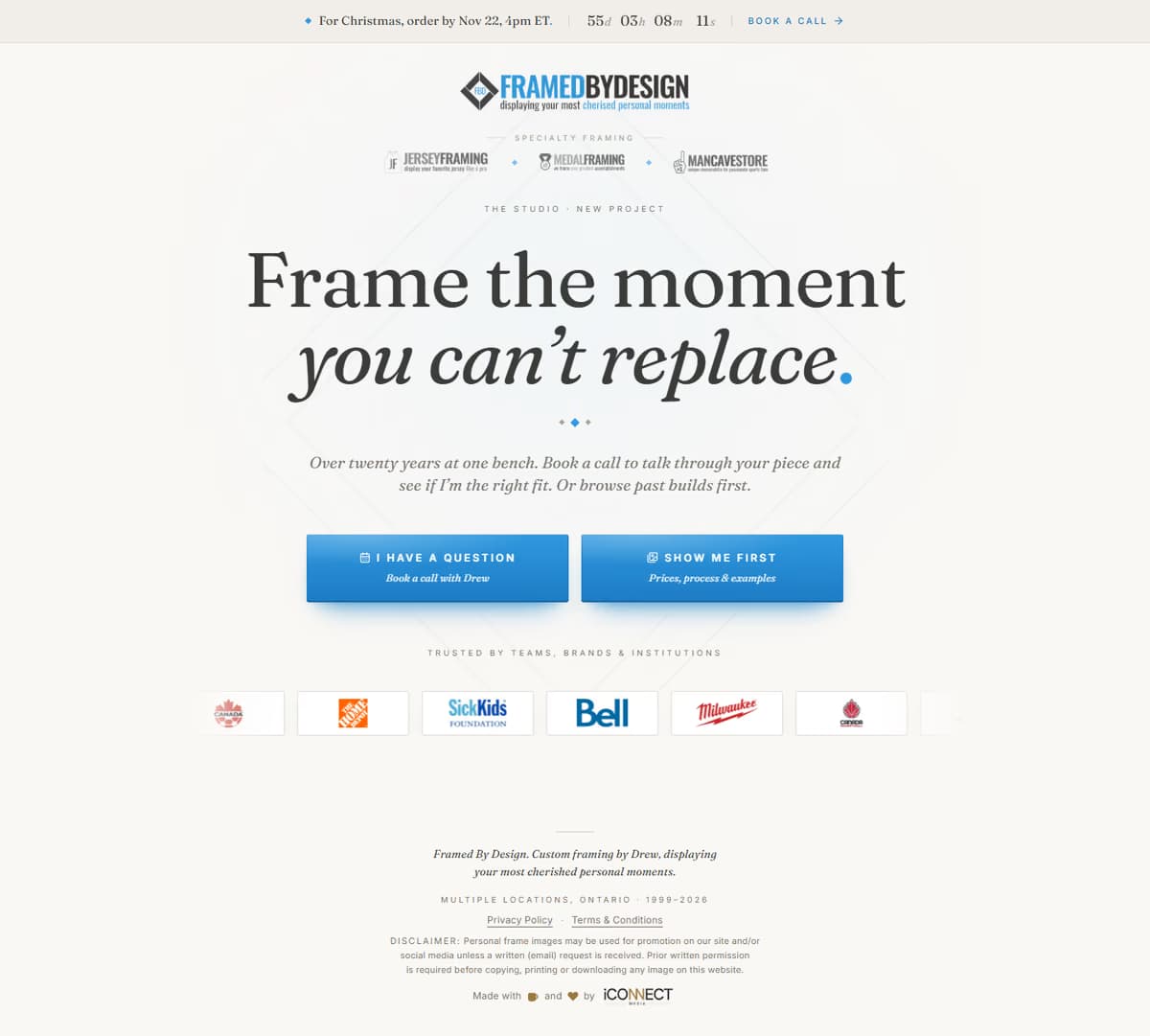
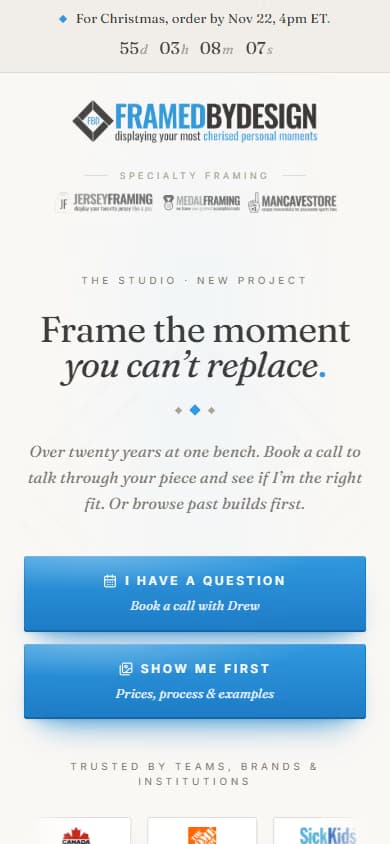
The homepage is the intake. Two clear choices: book a call, or see prices, process and past builds first.
Enquiry to delivered on one board, with 12 stages that can't be skipped. A Next Action ribbon on every order says which button to press next.
Approval pages
One private link per order. The customer sees the mockup, specs, options and pricing, compares glass with sample images, and approves or asks for changes. Every revision is versioned.
The deposit is the approval
Approve and pay in one step with Stripe Checkout, Apple Pay or Google Pay. The payment records the approval, so the trail can never say approved with no money in.
Messages in one feed
Messages and photos live on the order page. Everything the studio sends also goes out by email, and replies come back into the app instead of an inbox.
Parcels in and out
Customers shipping from away get a packing slip and a link to add their tracking number. Incoming parcels and outgoing shipments are tracked on one board.